Android 16.3.1 for Teracube One Ruby (SN:2019)

NOTE 1 : Due to technical limitations, a direct OTA upgrade from Android 10 to Android 16 is not possible. A clean installation is required. Please backup your data before proceeding.

NOTE 2: Future OTA updates will not require a wipe after installing this build.

NOTE 3: Teracube One, Teracube 2e (2020) & Teracube 2e (2021) doesn’t pass Play Integrity and some apps like Google Wallet will not work. This is applicable to all the released firmware from old to current.

:tada: We are thrilled to share our first Android 16 firmware for Teracube One as it shipped out with Android 10 all the way to Android 16 QPR2

:white_check_mark: Requirements:

  • Windows 10/11 or Linux computer
  • Teracube One phone with a USB cable

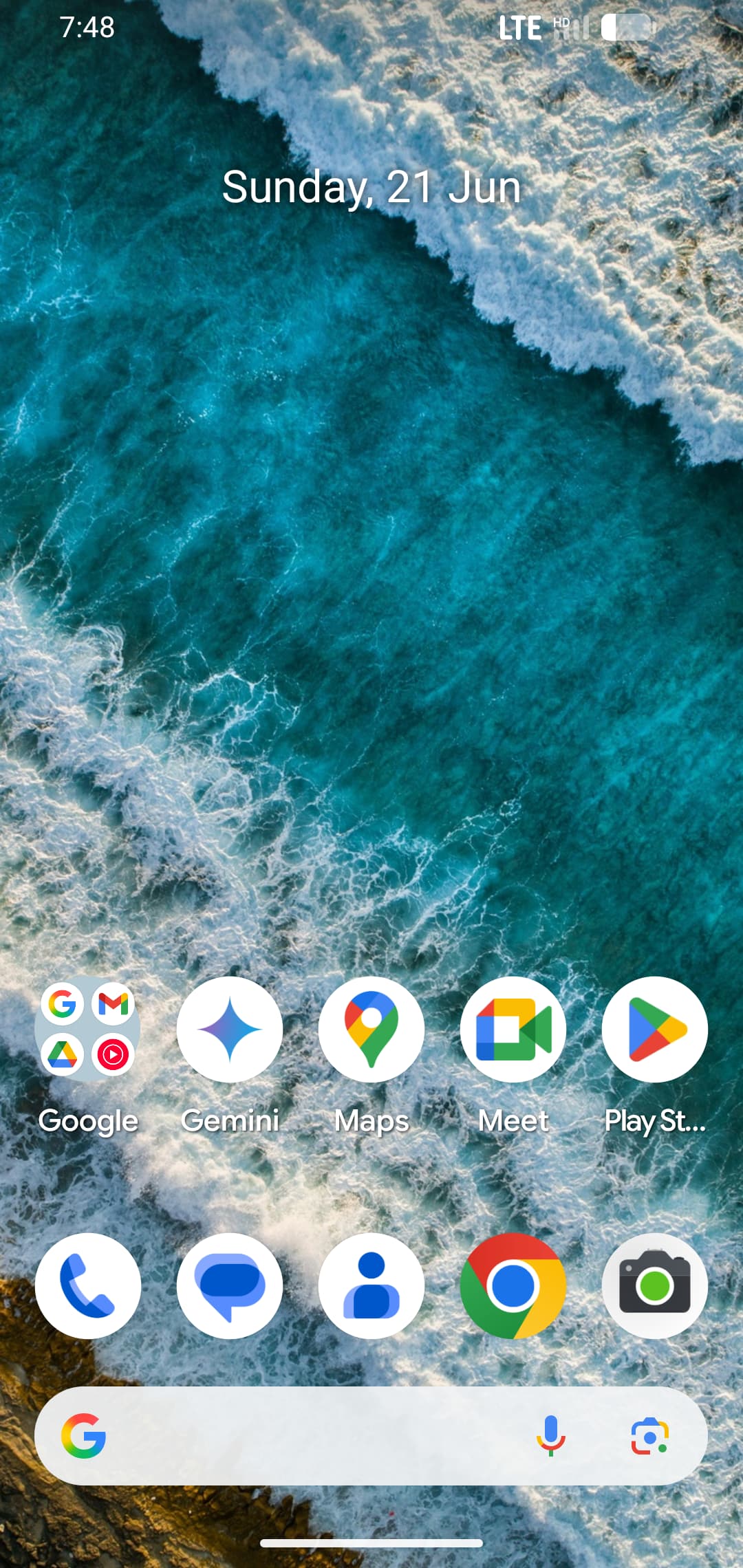
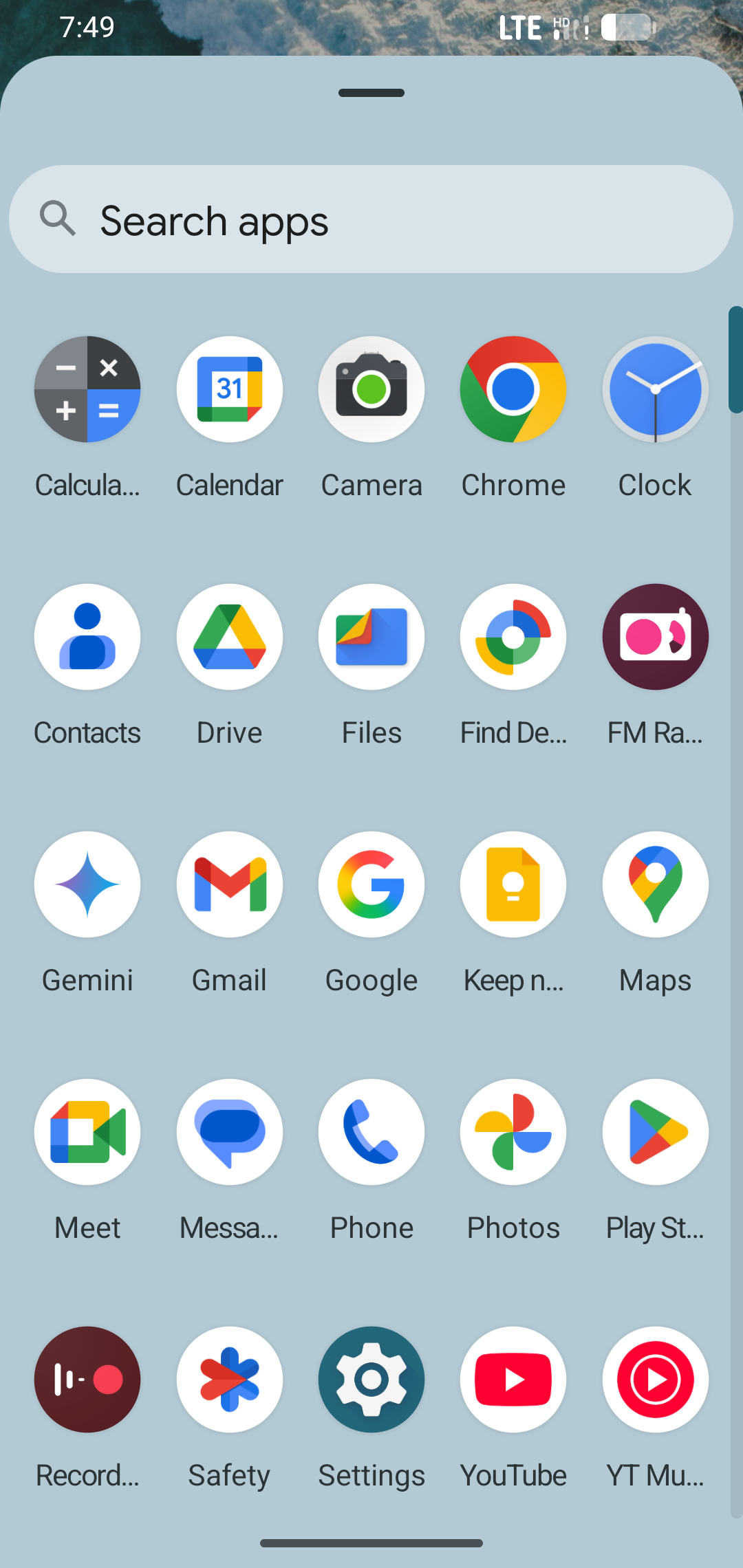
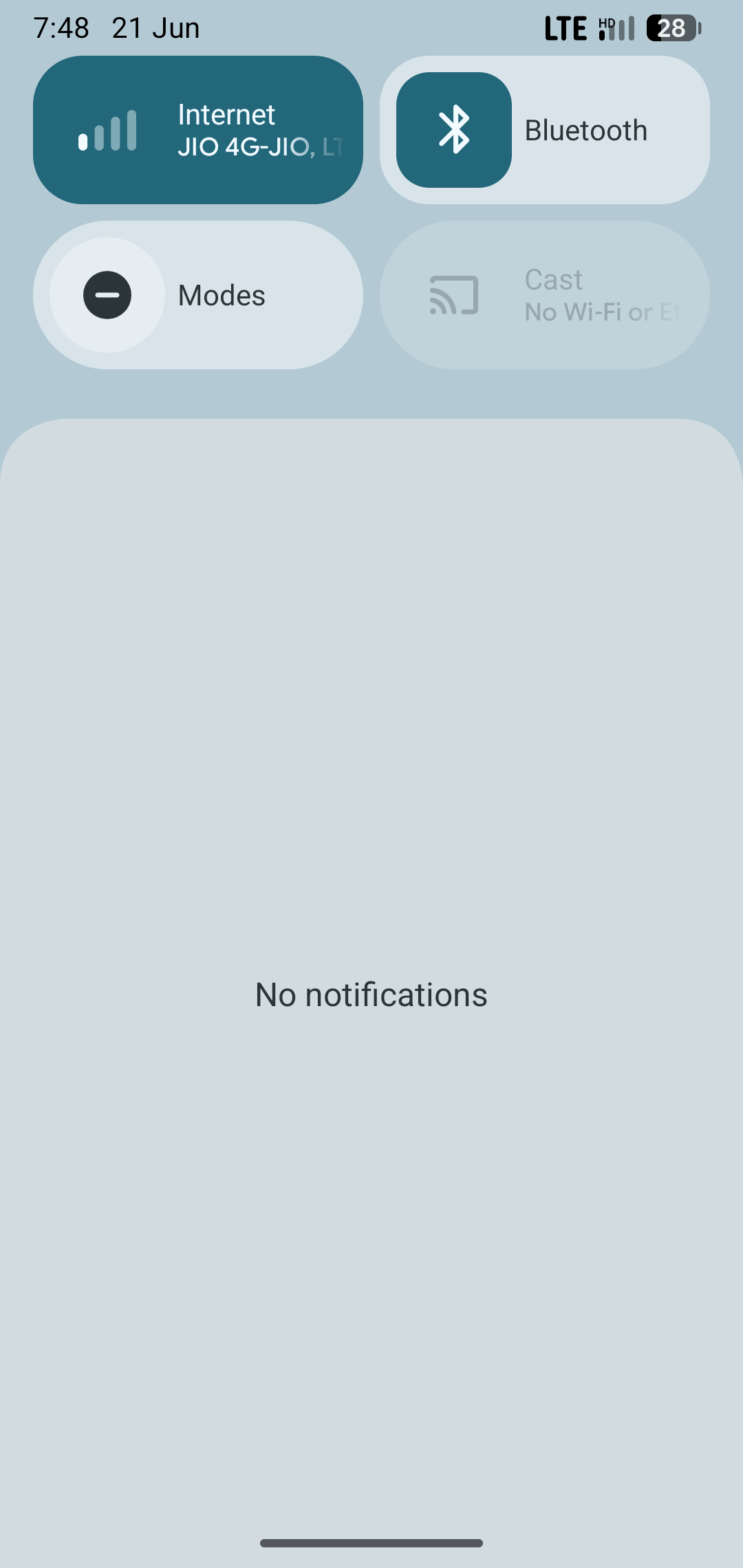
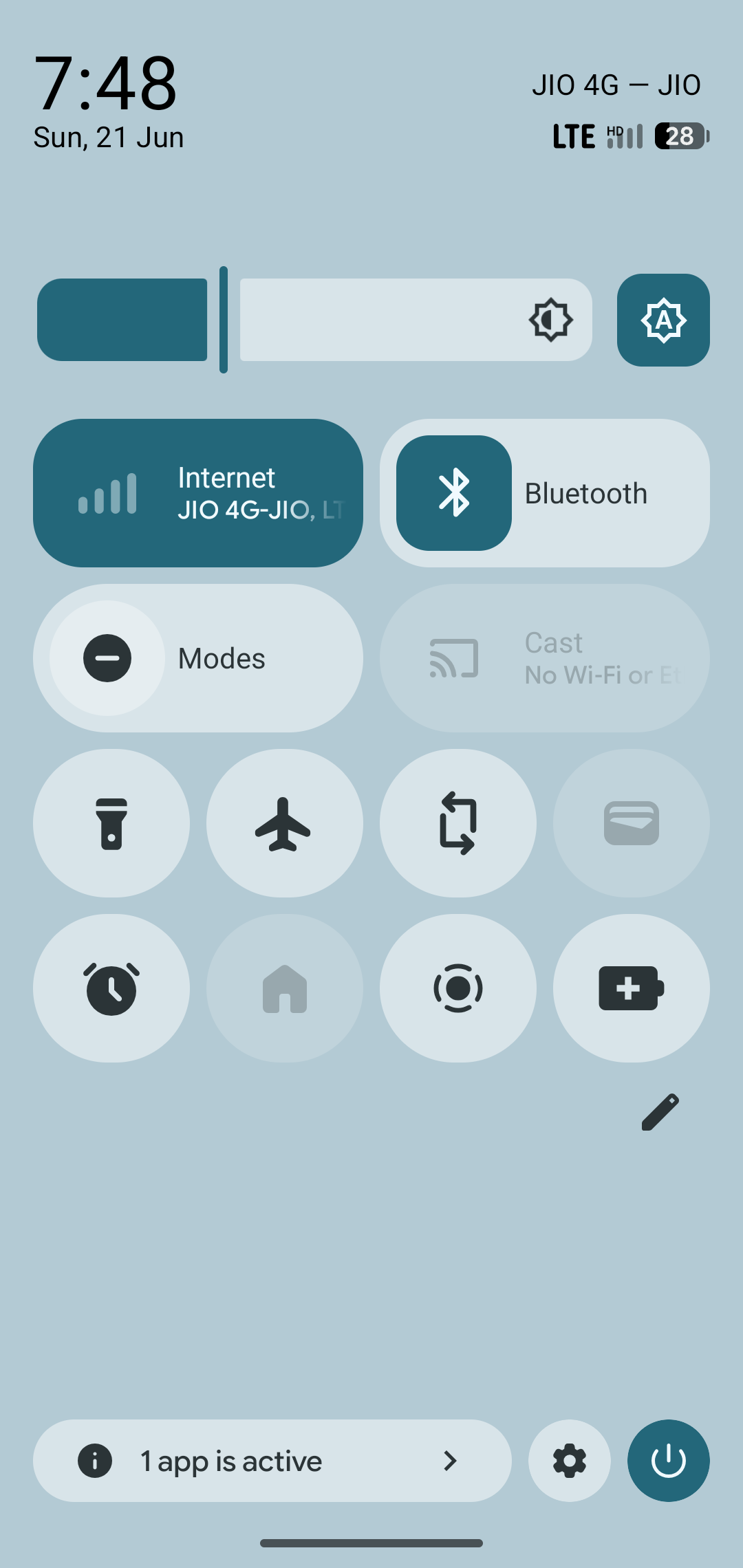
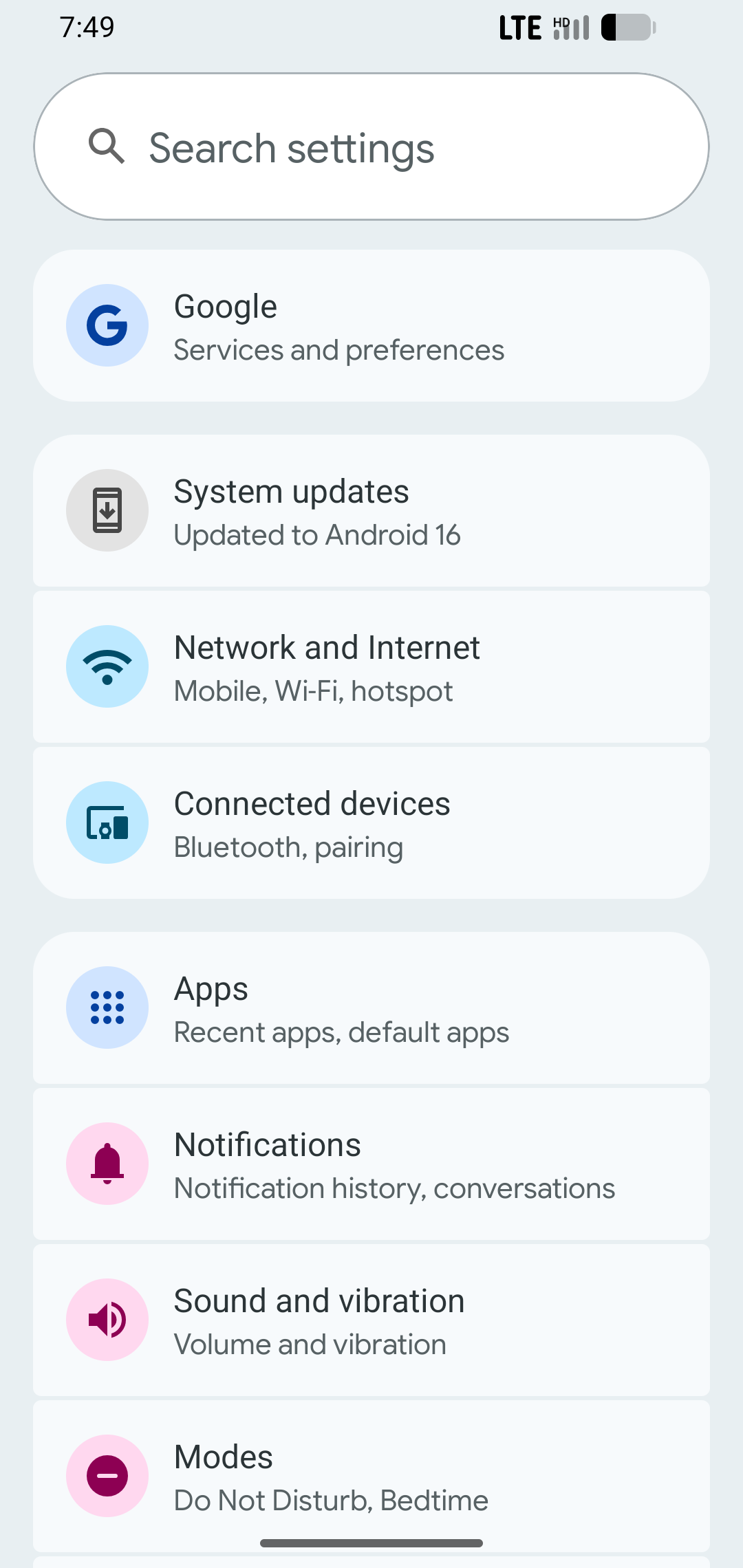
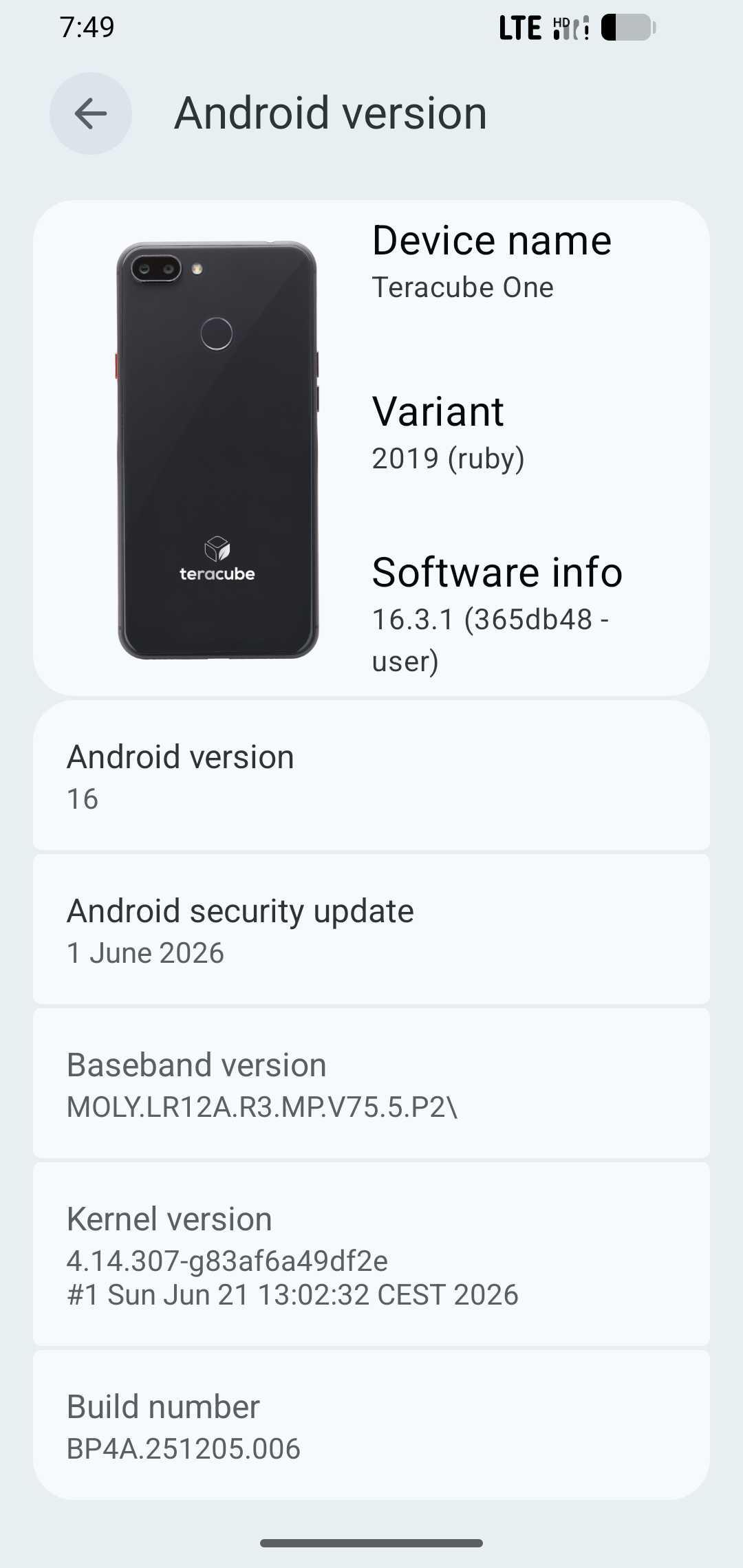
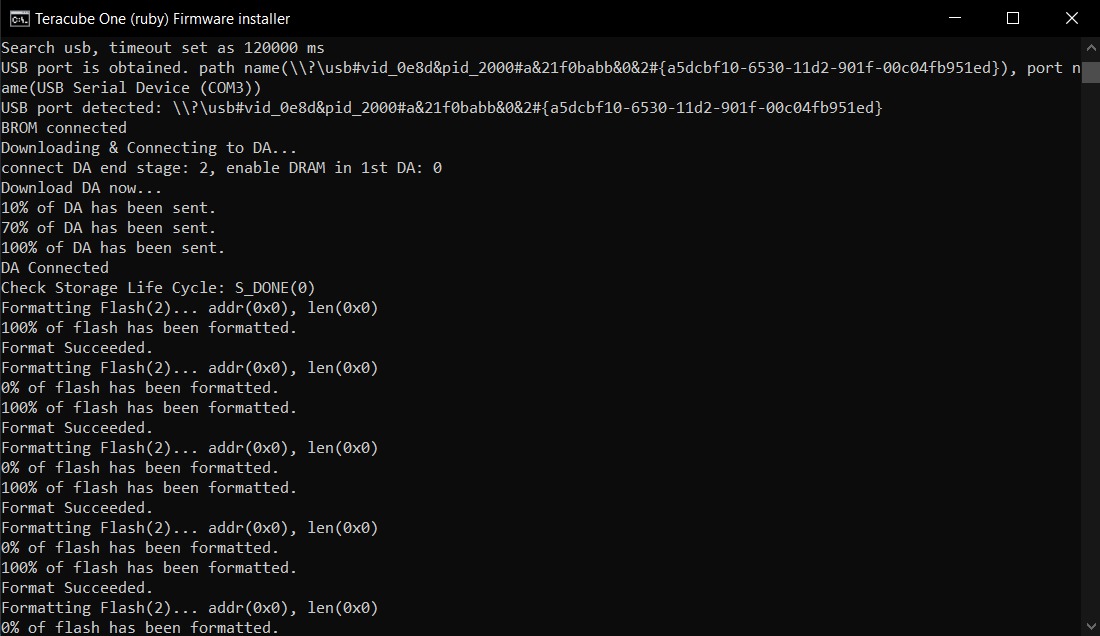
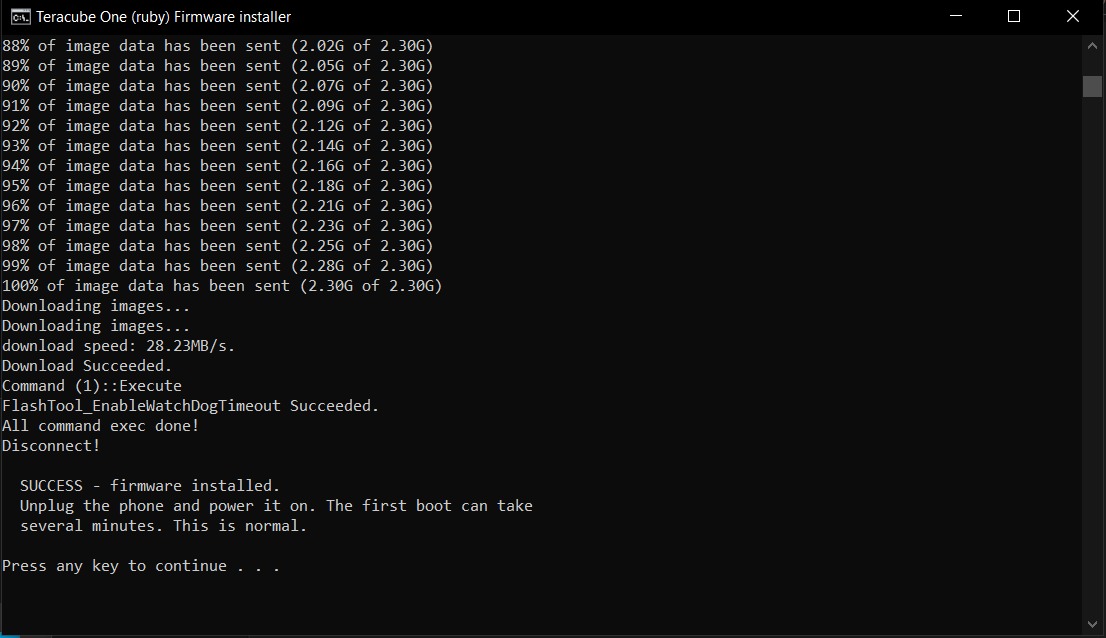
:camera_flash: Screenshots:

:mag: Known Issues:

  • NFC does not work
  • OTG does not work
  • WiFi calling does not work (VoLTE works)

:inbox_tray:Steps to Upgrade:

  1. Install MediaTek USB VCOM drivers (first time only):
  • Windows: Download and install the MTK USB VCOM Drivers.
  • Linux (Debian/Ubuntu): Follow this guide to install the required libpng12 dependency.
  • Linux (Arch): Run yay -S libpng12
  1. Download the firmware package Auto-SW-Ruby-SPFlash-16.3.1-REGULAR.zip SHA256SUM: e3f06ea7c432023da419de9f34738b44d29b7e9abe0cbe83458e9c056881f2ea

  2. Optional: You may verify integrity of each file (post extraction)
    Windows: Double click verify.bat to run it
    Linux:./verify.sh
    Note: Windows may warn you about running the file
    Click More infoRun anyway .

  3. Windows: Double-click InstallT1FW-STOCK.bat to run it.
    Linux: Run sudo ./InstallT1FW-STOCK.sh in a terminal. (sudo password will be required)
    Note: Windows may warn you about running the file.
    Click More infoRun anyway .


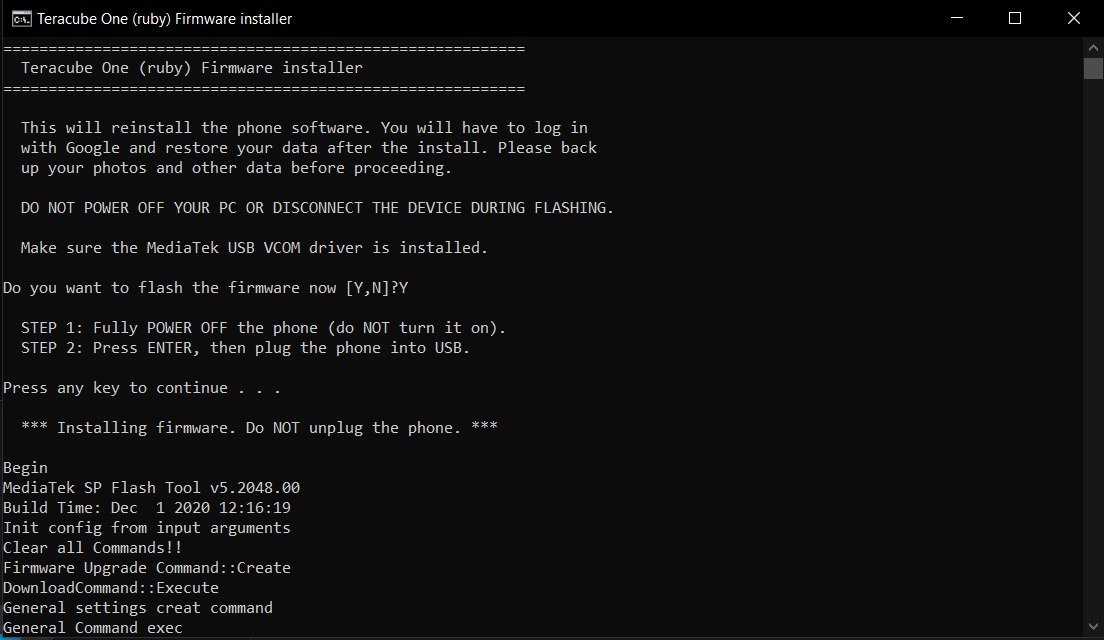
    Press Y & Enter

  4. Power off your phone.

  5. Plug the USB cable and wait for the installation process to start.

  6. Installation process will take some time.

  7. Disconnect your USB cable when it says “SUCCESS” and power on your device.
:lock: Update Policy:

  • Teracube One (ruby) is now on semi-annual security patch updates.

Let us know how it went and post your questions/feedback here. Please keep the comments related to this update itself.

1 Like
  1. So just to be clear, the Teracube One is never receiving a full version of Android 15 or Android 16?

  2. What does semi-annual security patches for the Teracube One mean?

This is this final version. We won’t be able to maintain monthly security patches so every 6 months.

So just to be clear, it will NOT receive Android 16 QPR 3.

Android 16 QPR 12 is the highest it will go.

Is that correct?

(Meant to reply to this message the first time, sorry.)

Android 16 QPR3 is Pixel only wasn’t released to AOSP. Android 17 is released now.

Okay.

Well we still got Android 16 which is cool. Any way can you blast any announcements of Android 16 being available for Teracube One owners out there somehow?

I’m sure other Teracube One owners would enjoy something like this.

1 Like

Any way you can show pictures and videos for Linux users on what they’re supposed to do? I only see Windows pictures. You might want to add pictures for Mac users as well.

I’m trying to install the latest Teracube update via Ubuntu Linux but it’s not working and I made sure to follow the included instructions in the instructions of the first post.

Process for Linux is mentioned in same steps. Could you share the screenshots of your error? (This process uses SPFlash which is not supported on MacOS) Thanks!

I have Android 16 now on my Teracube One. But new problems have arisen!

I cannot make any phone calls using the native dialer app.

And the mobile data is very slow on this app.

For both problems I’ve tried power cycling, restarting the phone, refreshing the network connection, toggling between 4G LTE and 3G and resetting network preferences. But nothing worked and I still am unable to make phone calls or use mobile data at high speeds.

What should I do?

Have you checked with your carrier that the line/device are not restricted and everything works properly on their end?

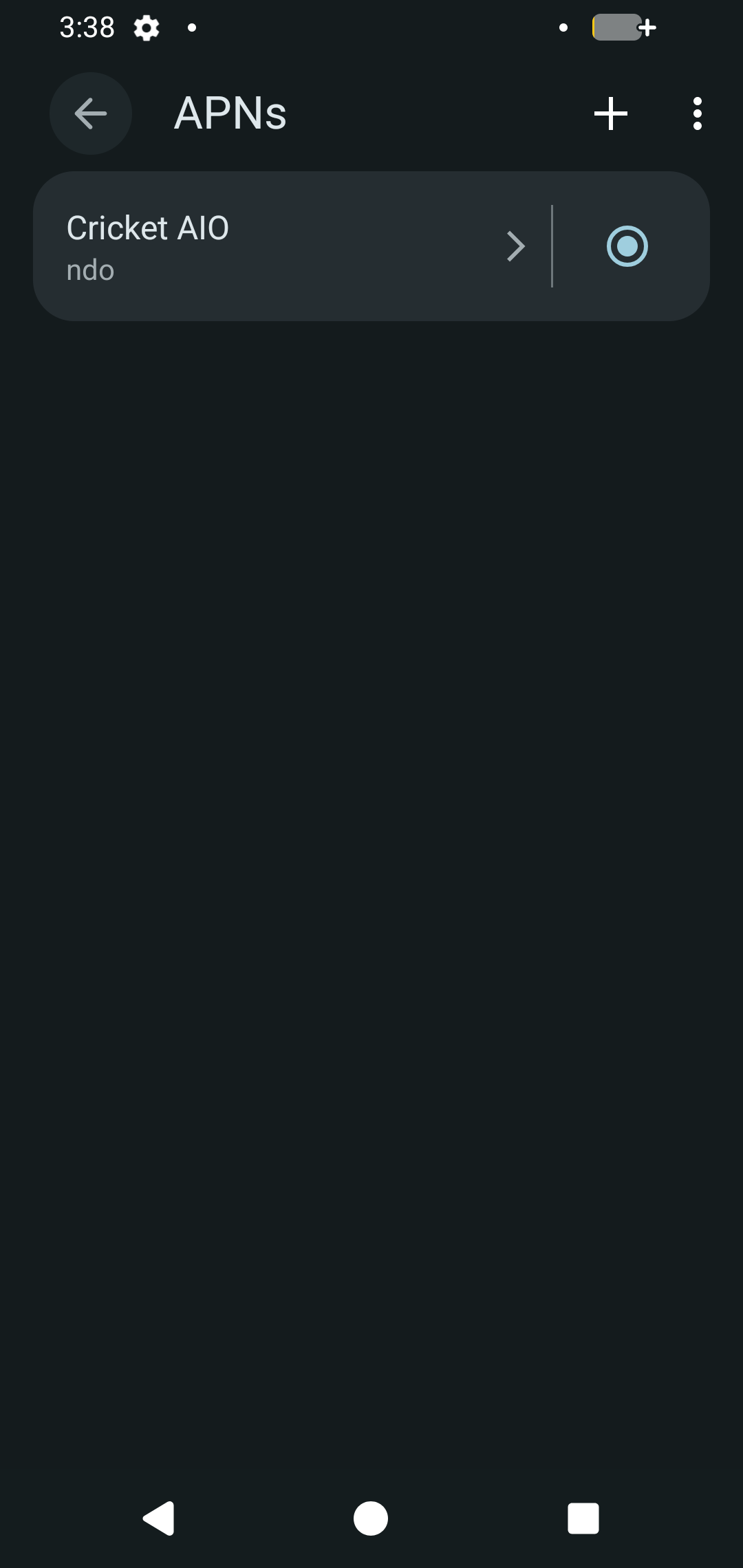
Hey there! Do share a screenshot of APN Settings.

Yes I have checked.

So my service plan hasn’t been restricted as far as I can tell. Ejecting and reinserting the SIM Card doesn’t work. Customer service even tried to refresh my cellular connection from their side and that did nothing.


I have a new problem though! My phone just randomly resets without any apparent rhyme or reason. This is happening with a validated download of Android 16 from this thread (I double-checked the hash codes).

Without any settings being changed or actively prompting the phone to do so from settings, the random phone factory resetting occurs when I shut down the phone and then start it back up.

Thanks for the inputs. It could be due to APN Settings being out for date on our side. Could you check with Carrier support and update the needed settings?

But I already checked with them. What needed settings do you mean?

As described here (currently down):
https://www.cricketwireless.com/support/switch-to-cricket/bring-your-own-android

Worked for the Wi-Fi and Data service plan component but I still cannot make or receive phone calls.