
What is Doomscroll Break?
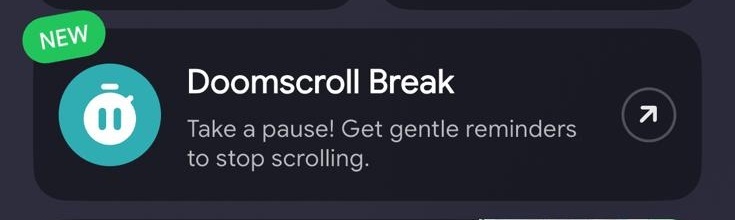
Doomscroll Break is a new digital wellness feature available on Teracube devices.
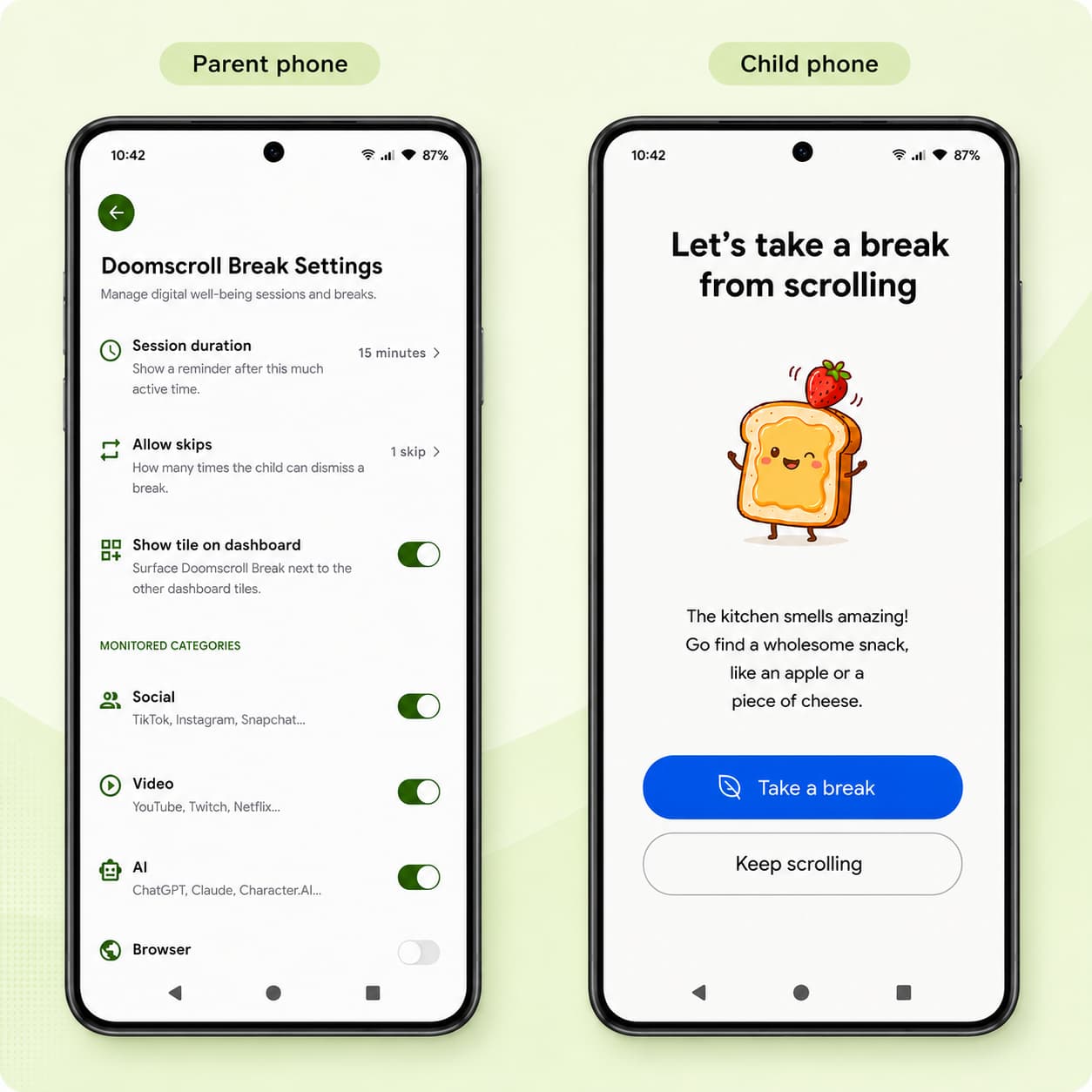
After your child has been continuously scrolling in supported apps for a set amount of time (15 mins/ 30 mins), they’ll see a friendly full-screen reminder encouraging them to take a break.
 A gentle reminder - not another restriction
Doomscroll Break is designed to feel like a gentle nudge rather than another rule.
When the reminder appears, your child can:
- Take a Break and put the phone down.
- Keep Scrolling using one of their parent-approved skips if they’re in the middle of something important.
This approach encourages awareness, independence, and healthy decision-making instead of frustration.
 How to get started
Every family has different rules, so Doomscroll Break is fully customizable.
From the Teracube Parent App, you can:
- Doomscrooll break needs to be explicitly enabled. (Settings → Doomscrooll break)
- Set reminder intervals/ session duration (15 mins, 30 mins, 1 hr, or disable).
- Choose how many skips your child is allowed
- Select which app categories trigger reminders (Social Media, Video Streaming, Web Browsers, and more)
You decide what works best for your family.
 What happens when all skips are used?
Once all skips are used, your child will need to wait 5 minutes before they can open the app again. This short cooldown helps break the scrolling cycle and encourages a mindful pause.
 How to get the update?
- Update parent app from Play store or App store (V2.0.7 or higher needed)
- Child phone is automatically updated (If you don’t see the update, connect the phone to wifi and restart)
FAQ
Which apps work with Doomscroll Break?
Doomscroll Break works with supported apps in categories like:
- Social media
- Video streaming
- Web browsers
As we continue to improve the feature, we’ll expand support to additional apps over time.
Can my child ignore the reminder?
Yes. If you’ve enabled Skips, your child can choose to continue using the app for a little longer.
Each skip postpones the next reminder until the configured extension time has elapsed. Once all skips have been used, your child will need to take a break before continuing.
Can I disable Doomscroll Break?
Yes. You can turn Doomscroll Break off at any time from the Teracube Parent App.
Go to:
Settings → Doomscroll Break → Session Duration → Off
Does Doomscroll Break replace Screen Time Limits?
No.
Screen Time Limits set hard boundaries for how long your child can use their device or specific apps.
Doomscroll Break works alongside those limits by encouraging your child to take regular breaks before they reach their screen time limit.
Think of it as promoting healthier digital habits—not just limiting screen time.